How to Activate a South Korea eSIM for Seamless Mobile Data in 2026
6/16/2026
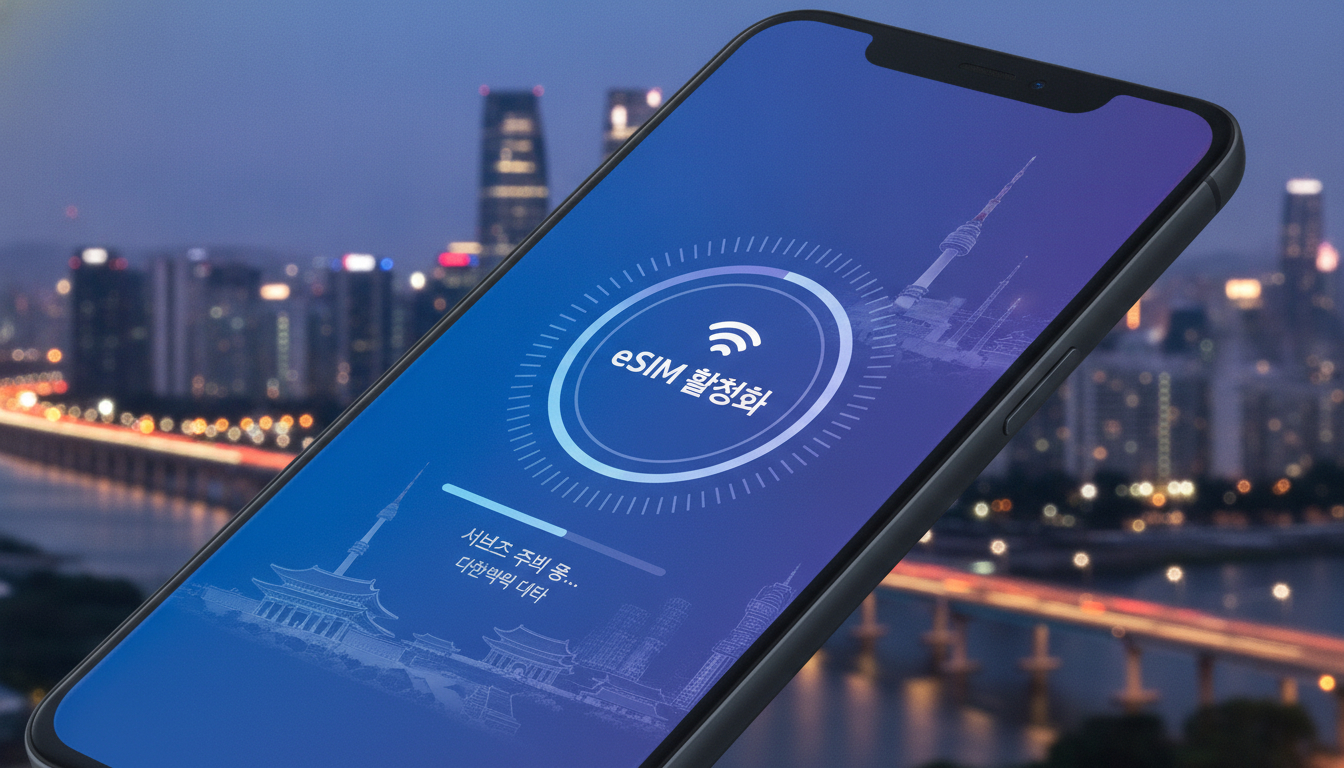
In short, what you'll discover in this article:
Learn how to activate a South Korea eSIM effortlessly before or during your trip. This guide covers compatible devices, top providers, step-by-step activation, pricing tips, and troubleshooting to keep you connected seamlessly.
1. Introduction — Why Choose an eSIM for South Korea
Traveling to South Korea with an eSIM offers unmatched convenience compared to traditional physical SIM cards. You avoid the hassle of swapping SIMs at the airport or local stores and can activate your mobile data instantly.
Plus, eSIMs support multiple profiles, allowing you to switch between your home carrier and a local plan effortlessly.
The benefits of using an eSIM in South Korea include:
- Instant activation without visiting a store
- Access to competitive local data plans
- No risk of losing or damaging a physical SIM
- Seamless switching between carriers or plans
For tourists relying heavily on mobile data for navigation, translation apps, and communication, the south-korea esim activation process ensures you stay connected from arrival.
2. Before You Go — Check Your Device Compatibility
Ensuring your smartphone supports eSIM technology is critical before purchasing a South Korea eSIM. Compatibility varies by device brand and model.
2.1 iPhone Models Compatible and Required iOS Versions
Most recent iPhones support eSIMs natively:
- iPhone XS, XS Max, XR and newer models
- Requires iOS 12.1 or later for basic eSIM functionality
- For best experience with multiple profiles or dual SIM, iOS 14+ is recommended
Make sure your device is unlocked and updated to the latest iOS version before traveling.
2.2 Android Models Compatible and Required Android Versions
Android support for eSIM is growing but less universal:
- Google Pixel 3 and newer Pixel models
- Samsung Galaxy S20 and later flagship models
- Requires Android 10 or higher with carrier support
Check your phone’s specifications or consult your manufacturer’s website to confirm eSIM compatibility.
3. Where to Buy a South Korea eSIM
Choosing where to purchase your South Korea eSIM depends on convenience, price, and timing.
3.1 Local Carriers (KT, SK Telecom, LG U+) — Pros and Cons
South Korea’s three major carriers offer official eSIM plans:
| Carrier | Benefits | Drawbacks |
|---|---|---|
| SK Telecom | Widest coverage & fastest 5G | Slightly higher prices |
| KT | Good urban coverage & affordable | Limited tourist-specific plans |
| LG U+ | Best unlimited data options | Coverage less extensive in rural areas |
Local carriers provide reliable service but may require Korean ID or local payment methods for purchase.
3.2 International eSIM Providers (Quick Setup from Abroad)
Several international providers sell South Korea eSIMs online with instant QR code delivery:
- Easy purchase before departure
- Transparent pricing with no hidden fees
- Support in English and multiple currencies
This option suits travelers wanting to activate their plan immediately upon landing without language barriers.
3.3 Airport Purchase vs City Shops vs Online
- Airport: Convenient but often pricier with limited plan choices
- City shops: More options but time-consuming and may require Korean language skills
- Online: Best for pre-trip preparation and instant activation
For stress-free travel, buying online ahead of time is highly recommended.
4. Activating Your South Korea eSIM — Step-by-Step Guide
Follow these steps to activate your South Korea eSIM smoothly.
4.1 Step 1 — Purchase and Receive Your QR/Activation Code
After selecting your preferred provider and plan, you will receive a QR code via email or app download. Keep this ready on arrival or beforehand if activating early.
4.2 Step 2 — Install the eSIM Profile (iOS / Android) with Screenshots
For iOS:
- Open Settings > Cellular > Add Cellular Plan.
- Scan the QR code provided by your carrier/provider.
- Follow prompts to install the profile.
For Android:
- Go to Settings > Network & Internet > Mobile Network.
- Select Add Carrier > Scan QR code.
- Confirm installation of the new profile.
4.3 Step 3 — Configure APN and Mobile Data Settings
Most providers auto-configure APN settings during installation. If not:
- Enter APN details manually from your provider’s website or customer support.
- Enable mobile data in settings.
4.4 Step 4 — Switch Between Local Profile and Home SIM / Enable Roaming
To avoid confusion:
- Set the South Korea eSIM as your primary data line while traveling.
- Keep your home SIM active for calls if desired.
- Disable roaming on home SIM to prevent unexpected charges.
5. Pricing, Plans, and Recommendations Based on Trip Length
South Korea eSIM data plans vary by duration and data volume:
- Short trips (up to 7 days): Unlimited daily data plans around $15–$25 USD are common.
- Medium stays (8–14 days): Plans offering larger data caps with moderate pricing.
- Longer visits: Monthly unlimited plans provide best value for extended stays.
Consider your daily data needs carefully; unlimited plans are ideal for heavy users relying on streaming or navigation apps.
6. Common Issues and Troubleshooting
Even with careful setup, some travelers face common problems:
6.1 eSIM Profile Not Installed or Activation Error
- Double-check QR code validity and expiration date.
- Restart your phone after installation attempt.
- Contact provider support if persistent errors occur.
6.2 No Data Access After Activation — Verify APN and Mobile Data Settings
Ensure mobile data is enabled for the new profile and APN settings match provider instructions exactly.
6.3 Resetting / Deleting and Reinstalling an eSIM Profile
If issues persist:
- Delete the problematic profile via Settings > Cellular.
- Reinstall using the original QR code or request a new one from provider support.
7. Special Cases — Tourists, Expats, Business Travelers
Tourists benefit most from prepaid unlimited data plans with easy activation via apps like Klook or official carrier portals.
Expats staying longer should consider postpaid contracts with local carriers for better rates but more paperwork.
Business travelers may require dual SIM setups combining home country lines with Korean eSIMs for seamless communication.
8. Quick Comparison: eSIM vs Physical SIM (Summary Table)
| Feature | eSIM | Physical SIM |
|---|---|---|
| Activation Speed | Instant via QR code | Requires physical swap |
| Convenience | No need to visit stores | Must buy locally |
| Multiple Profiles | Supports multiple carriers | Single carrier per SIM |
| Risk of Loss | None | High if lost/damaged |
| Roaming Costs | Avoided with local profiles | May incur roaming fees |
9. FAQ — Common Questions Answered
Can I activate my South Korea eSIM before arrival?
Yes, many providers allow pre-trip purchase and activation so you’re ready upon landing.
Is tethering supported on South Korea eSIMs?
Most unlimited data plans permit tethering but verify with provider terms.
Can I receive calls on my home number while using a Korean eSIM?
Yes, if you keep your home SIM active; otherwise, calls go only to the Korean number linked to the eSIM.
10. Conclusion & Call to Action
Activating a South Korea eSIM is straightforward when you prepare ahead by verifying device compatibility and choosing the right provider. For seamless connectivity during your trip, consider purchasing an online plan that offers instant activation upon arrival at esim-korea.com. Stay connected effortlessly from Seoul’s bustling streets to Busan’s scenic coastlines!
Explore detailed reviews like our Billion Connect eSIM review for further insights into top providers tailored for travelers like you.

Jiwon Park
Jiwon is a Seoul-based travel and technology writer who has tested eSIMs across South Korea and Asia. At Korea eSIM she compares travel data plans on SK Telecom, KT and LG U+ and helps visitors stay online affordably from Seoul to Jeju.