Best Mobile Data Options for Korea Travel in 2026
7/4/2026
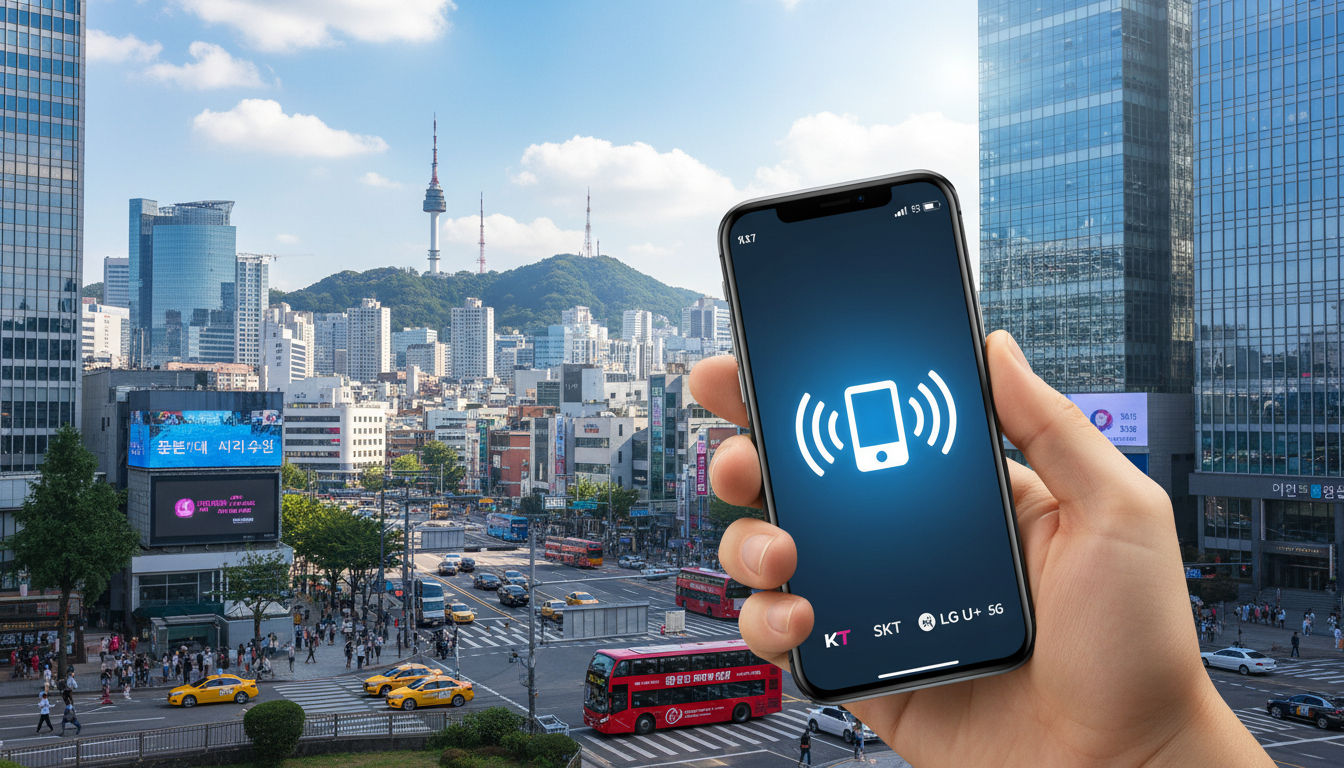
In short, what you'll discover in this article: Explore the best mobile data options for your South Korea trip, including eSIMs, prepaid SIM cards, pocket Wi-Fi, and roaming. Get practical comparisons, buying tips, and activation guides to stay online effortlessly.
1. Introduction — Why Mobile Connectivity Is Essential in South Korea
Traveling in South Korea without reliable mobile data can quickly become frustrating. Whether you need navigation help, language translation, or instant communication with friends and family, having seamless internet access is crucial.
South Korea boasts some of the fastest mobile internet speeds globally, making it easy to stay connected anywhere from Seoul’s bustling streets to Busan’s scenic coast.
For travelers planning their trip, understanding the available mobile data options ensures you avoid unexpected costs or connectivity issues upon arrival. This guide will help you navigate the best solutions tailored to your travel style and budget.
2. Mobile Data Options in South Korea
South Korea offers several ways to get mobile data during your trip. Each option has its own advantages and considerations depending on your needs.
2.1 eSIM — Advantages, Disadvantages, Compatibility
An eSIM is a digital SIM embedded in your phone that allows you to activate a mobile plan without a physical card. For travelers, this means you can purchase and install a Korean data plan before landing.
Advantages:
- Instant activation upon arrival
- No need to swap physical SIM cards
- Supports multiple profiles for frequent travelers
- Often cheaper than roaming plans
Disadvantages:
- Requires a compatible phone (most newer iPhones and Androids support eSIM)
- Some carriers may have limited eSIM offerings
- Setup can be tricky if unfamiliar with QR code activation
The compatibility of smartphones with eSIMs is growing rapidly. If your device supports it, an eSIM from providers like Roamic or Yesim offers unlimited high-speed data with promo codes available through MyBestSim.
2.2 Prepaid SIM Card — Where to Buy, Durations, Typical Plans
A prepaid SIM card for Korea travel is a physical card you insert into your phone. These are widely available at airports, convenience stores, and telecom shops.
Where to buy:
- Incheon International Airport counters
- Local telecom stores (SK Telecom, KT, LG U+)
- Online retailers for pre-arrival purchase
Typical plans:
- Data-only or combined voice + data
- Validity ranges from 1 day to 30 days or more
- Prices vary by data volume and duration
Prepaid SIM cards are ideal if you want straightforward usage without worrying about phone compatibility issues related to eSIMs.
2.3 Pocket Wi‑Fi — When to Choose It, Capacity and Sharing
A portable Wi-Fi device for Korea travel lets multiple devices connect simultaneously via a personal hotspot.
When to choose pocket Wi-Fi:
- Traveling in groups or families needing shared internet access
- Using devices without SIM slots (tablets, laptops)
- Preferring not to change your phone’s SIM card
These devices offer reliable coverage but require charging and can be bulky compared to SIM or eSIM options.
2.4 Roaming via Home Operator — Cost and Limitations
Using international roaming from your home carrier might seem convenient but often comes with high costs and slower speeds in South Korea.
Considerations:
- Daily fees can be expensive (around KRW 5,000/day or more)
- Limited data packages may cause overage charges
- Coverage depends on local partner networks
For extended stays or heavy data users, roaming is usually less economical than local options.
3. Practical Comparison
3.1 Comparison Table (Price, Data, Duration, Activation Ease, Sharing)
Since prices and offers change frequently, we recommend consulting the latest comparison tools like MyBestSim for up-to-date deals on Korean eSIMs and prepaid plans. These platforms provide detailed filters by price, data allowance, duration, and user ratings to find the best fit for your trip.
3.2 Recommendations by Traveler Profile
- Solo Tourist: An eSIM with unlimited data from providers like Roamic or Yesim offers convenience and flexibility.
- Family or Group: Renting a pocket Wi-Fi device allows multiple users to share one connection.
- Business Traveler: A prepaid SIM card with fast LTE coverage ensures reliable performance without setup delays.
For more detailed plan options tailored to typical trip lengths like 30 days, check out South Korea eSIM 30 Days.
4. How to Buy and Activate (Step-by-Step Guide)
4.1 Buying Online vs Airport vs Store
- Online: Purchase an eSIM or prepaid SIM before departure for instant activation upon arrival.
- Airport: Convenient but sometimes pricier; good for last-minute decisions.
- Local Stores: Offers flexibility but requires time and possible language assistance.
4.2 Activating an eSIM (Steps, APN Settings, Troubleshooting)
- Purchase the eSIM plan online.
- Receive a QR code via email.
- Scan the QR code on your compatible phone under cellular settings.
- Configure APN settings if necessary (usually automatic).
- Restart your device if connection issues occur.
If problems arise, consult provider support or visit local telecom shops for help.
4.3 Activating a Prepaid SIM Card and Phone Setup
- Insert the physical SIM into your unlocked phone.
- Follow instructions included with the SIM for activation.
- Manually set APN if required.
- Test internet connection before leaving the store or airport.
5. Practical Tips and Common Mistakes to Avoid
5.1 Pre-Departure Checks (Unlocking Phone, Compatibility, Backup)
Before traveling:
- Ensure your phone is unlocked for foreign SIM use.
- Verify eSIM compatibility if choosing that option.
- Backup important contacts and apps in case of device issues.
5.2 Optimizing Data Usage (Wi-Fi Use, Compression Apps, Offline Maps)
To save on mobile data:
- Use free Wi-Fi hotspots when available.
- Install apps that compress data usage.
- Download offline maps and translation tools before departure.
6. Conclusion and Final Recommendation
Choosing the right mobile data Korea travel option depends on your device compatibility and travel style. For most travelers seeking convenience and affordability, an eSIM with unlimited high-speed data from trusted providers like Roamic or Yesim is highly recommended—especially when using promo codes from MyBestSim for savings.
If you prefer physical cards or need shared connections for multiple devices, prepaid SIM cards or pocket Wi-Fi devices remain excellent alternatives.
Stay connected effortlessly throughout South Korea by planning ahead with these insights!
For travelers looking specifically for the best Korea travel eSIM options or unlimited plans during their stay, explore detailed reviews at esim-korea.com/blog/korea-travel-esim and esim-korea.com/blog/esim-south-korea-unlimited.
FAQ
What are the benefits of using an eSIM in South Korea?
An eSIM allows instant activation without swapping physical cards and supports multiple profiles. It’s often cheaper than roaming and convenient for travelers with compatible phones, offering unlimited high-speed data from providers like Roamic or Yesim.
Where can I buy a prepaid SIM card for Korea travel?
Prepaid SIM cards are available at Incheon Airport counters, local telecom stores like SK Telecom, KT, LG U+, and online retailers. They offer flexible plans ranging from 1 to 30 days, suitable for travelers who prefer physical SIMs.
When should I choose a pocket Wi-Fi device in South Korea?
Pocket Wi-Fi is ideal for groups or families needing shared internet access, users with devices lacking SIM slots, or travelers who don’t want to change their phone’s SIM. It supports multiple devices but requires charging and can be bulkier.
Is international roaming a good option for mobile data in Korea?
International roaming is convenient but usually expensive with daily fees and limited data packages. It may also have slower speeds and depends on local partner networks, making local SIMs or eSIMs more cost-effective for longer stays.
How do I activate an eSIM for my South Korea trip?
After purchasing an eSIM plan online, you receive a QR code via email. Scan it on your compatible phone under cellular settings, configure APN if needed, and restart your device if connection issues occur. Support is available if problems arise.

Jiwon Park
Jiwon is a Seoul-based travel and technology writer who has tested eSIMs across South Korea and Asia. At Korea eSIM she compares travel data plans on SK Telecom, KT and LG U+ and helps visitors stay online affordably from Seoul to Jeju.