Troubleshooting Free eSIM 500mb Activation Issues in 2026
9/14/2026
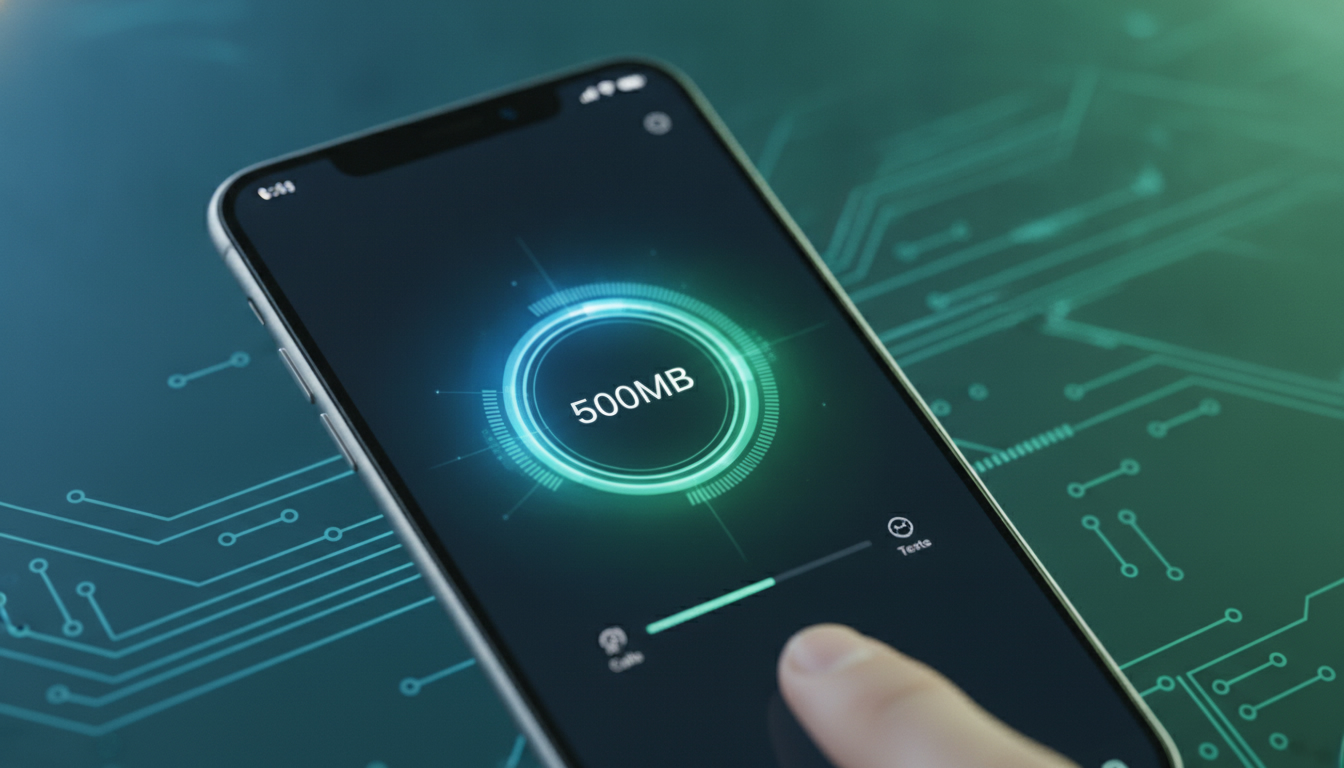
Troubleshooting Activation Issues With a Free eSIM 500MB Data Plan
Getting a free 500MB eSIM data plan activated can be a great way to stay connected during short trips or for quick data boosts without paying for a full plan. However, activation problems often arise that can leave you frustrated and offline when you need data the most.
I always start by pinpointing the common pitfalls in the activation process and how to resolve them efficiently. Here’s a detailed guide to help you troubleshoot and successfully activate your free 500MB eSIM.
Common Activation Barriers and How to Overcome Them
QR Code Scanning Problems
One of the most frequent issues is failing to scan the QR code that installs the eSIM profile on your smartphone. This usually happens because:
- The QR code is displayed on a low-resolution screen or printed poorly, causing scanning errors.
- The camera lens is dirty or the lighting conditions are inadequate.
- Your phone’s camera app or eSIM setup app does not support QR scanning properly.
How to fix it:
- Use a different device to display the QR code if possible, such as another phone or tablet.
- Clean your camera lens and ensure good lighting.
- Instead of scanning, some providers let you manually enter an activation code or URL. For example, Nomad’s app offers manual input for their free 500MB trial eSIM.
- If you’re using an iPhone, open the Camera app directly rather than third-party apps, as iOS natively supports QR scanning for eSIMs.
Device Compatibility and Settings
Not all smartphones support eSIM technology or every eSIM profile format. The GSMA specification SGP.22 governs remote SIM provisioning, but implementation varies by manufacturer and OS version.
Key points:
- Your device must support eSIM profiles; most recent iPhones (XS and later), Google Pixels (3 and later), and Samsung Galaxy S20+ and newer do.
- The phone’s operating system needs to be updated to the latest version to avoid bugs in eSIM handling.
- Some carriers restrict adding multiple eSIM profiles simultaneously; if you already have several installed, you might hit a limit.
What I advise: Before attempting activation, check your phone’s settings under “Cellular” or “Mobile Data” for an option labeled “Add Cellular Plan.” If this option is missing, your device likely does not support eSIM or requires an update.
Network Coverage and Regional Restrictions
A free 500MB eSIM plan often comes with geographic limitations. For instance, iRoamly offers 500MB valid for one day across 135 countries, but some plans are limited to specific regions like Europe or Japan only.
Mechanism: If you try activating or using the eSIM outside its supported region, the activation may fail because the network cannot authenticate your device.
Consequence: You may see error messages like “Activation Failed” or “No Service.”
How to avoid this: Confirm the coverage area before activation. For example, Ninja WiFi’s free 500MB trial is designed specifically for travelers in Japan.
Trying it elsewhere will not work.
I often recommend consulting detailed coverage maps provided by the operator or checking user reports on forums before committing time to activation.
Step-by-Step Activation Process With Troubleshooting Tips
- Choose Your Provider Carefully
Select a provider offering a free 500MB data plan that fits your travel destination and device compatibility. Options include Nomad, iRoamly, Ninja WiFi, and Virgin Connect.
Each has slightly different terms regarding validity period and coverage.
-
Download Required Apps or Visit Activation Sites
Some providers require downloading their app (Nomad) while others use web portals (Virgin Connect at roam.virginconnect.com). Ensure you have a stable internet connection during this step.
-
Scan the QR Code or Enter Activation Details
Use your phone’s native camera app or built-in cellular settings to scan the QR code provided. If scanning fails repeatedly:
- Try manual entry of activation codes if available.
- Restart your phone before retrying.
- Clear any previously installed trial profiles that might conflict.
-
Confirm Cellular Plan Installation
After scanning, your phone should prompt you to add the cellular plan. Accept it and check that it appears under “Cellular Plans” in settings.
-
Set Data Plan as Active
Sometimes phones default to the physical SIM for data usage even after installing an eSIM profile. Manually select the new eSIM as your primary data source in cellular settings.
-
Test Connectivity
Open a browser or messaging app to verify data access. If no connection occurs:
- Toggle airplane mode on/off.
- Restart your device.
- Verify APN settings if accessible; some providers require manual APN configuration for full functionality.
Common Mistakes That Block Activation
- Trying to activate an expired QR code: Many free trials have short validity windows for their activation codes (hours to days). Using an outdated code results in failure.
- Overloading your device with multiple eSIM profiles: Some phones limit active profiles; uninstall unused ones before adding new plans.
- Ignoring carrier restrictions: Some carriers block third-party eSIM activations on locked devices.
These mistakes lead directly to errors like “Profile Installation Failed” or “Activation Not Supported.”
Providers Offering Free 500MB eSIM Trials Worth Trying
While I don’t provide direct price comparisons here due to variability, several providers offer genuine free trials of 500MB data plans with easy activation processes:
| Provider | Coverage Area | Validity Period | Notes |
|---|---|---|---|
| Nomad | Global (new users only) | Trial duration varies | Requires app download |
| iRoamly | 135 countries | 1 day | Includes unlimited low-speed after 500MB |
| Ninja WiFi | Japan | Limited time | QR code scan only |
| Virgin Connect | Global | Trial duration varies | Web portal activation |
| IQ Travel | Europe | 2 days | No credit card required |
For travelers heading to South Korea specifically, I recommend checking out local options on esim-korea.com where I compare SK Telecom, KT, and LG U+ coverage along with instant activation tips.
Field Observations From Working With Free 500MB eSIM Activations
-
Short Activation Windows Require Immediate Action
Many free trial QR codes expire within 24 hours of issuance because operators want users to test network quality promptly before buying a paid plan. Delaying scanning leads to automatic rejection by provisioning servers.
-
Multiple Installed Profiles Can Cause Conflicts
When more than two or three eSIM profiles are installed on devices like iPhones running iOS 16+, switching between them sometimes triggers errors due to overlapping carrier settings stored in memory. Removing old profiles before adding new ones prevents this issue.
-
Carrier-Specific APN Settings Are Crucial
Unlike physical SIMs that auto-configure APN settings via SMS from carriers, some free trial eSIMs require manual APN input matching the provider’s network parameters (e.g., “internet.nomad” for Nomad). Failure here results in no data despite successful profile installation.
How To Get A Free 500MB eSIM Without Hassle
If you want a hassle-free experience:
- Use providers with dedicated apps like Nomad that automate most steps.
- Avoid manual QR code scanning by opting for web-based activations such as Virgin Connect’s portal.
- Check if your phone supports instant activation via carrier apps integrated into iOS or Android settings.
For travelers aiming at South Korea, I always advise starting with local operators’ official apps or trusted resellers featured on esim-korea.com because they offer tested instant activations with minimal fuss.
What To Do When Activation Still Fails
If all else fails:
- Restart your device completely before retrying activation steps.
- Remove all other installed eSIM profiles temporarily.
- Reset network settings on your phone (this clears cached carrier info but requires re-entering Wi-Fi passwords).
- Contact provider support with screenshots of error messages; many have live chat support during business hours.
Remember that some issues stem from device firmware bugs fixed only through OS updates—keep your system current.
Free 500MB eSIM plans are excellent tools for short trips when you want quick mobile data without commitment. But their very nature—limited validity, regional restrictions, technical quirks—means activation can sometimes be tricky.
By understanding these common traps and following precise troubleshooting steps tailored for each provider’s process, you can unlock seamless connectivity without paying upfront fees or buying physical SIM cards.
FAQ
Why won't my phone scan the free eSIM QR code?
Scanning issues often result from poor QR code quality, dirty camera lenses, or inadequate lighting. Try displaying the QR code on another device, clean your camera lens, use your phone’s native camera app, or enter the activation code manually if available.
How can I check if my device supports a free 500MB eSIM?
Check your phone’s cellular settings for an 'Add Cellular Plan' option. Most recent iPhones, Google Pixels, and Samsung Galaxy models support eSIMs. Also, ensure your operating system is updated to avoid compatibility issues.
What causes activation failure due to regional restrictions?
Activation fails if you try to use the free 500MB eSIM outside its supported geographic area. Always verify the provider’s coverage map before activating to ensure your location is included in the plan’s valid regions.
How do I resolve conflicts from multiple installed eSIM profiles?
Devices may limit the number of active eSIM profiles. Remove unused or old profiles before adding a new free 500MB plan to prevent errors like 'Profile Installation Failed' or activation rejection.
What steps should I take if my free eSIM activation still fails?
Restart your device, remove other eSIM profiles, reset network settings, and ensure your OS is updated. If problems persist, contact provider support with error screenshots for assistance.

Jiwon Park
Jiwon is a Seoul-based travel and technology writer who has tested eSIMs across South Korea and Asia. At Korea eSIM she compares travel data plans on SK Telecom, KT and LG U+ and helps visitors stay online affordably from Seoul to Jeju.