How to Fix Common Esimzon Activation Issues in South Korea
9/28/2026
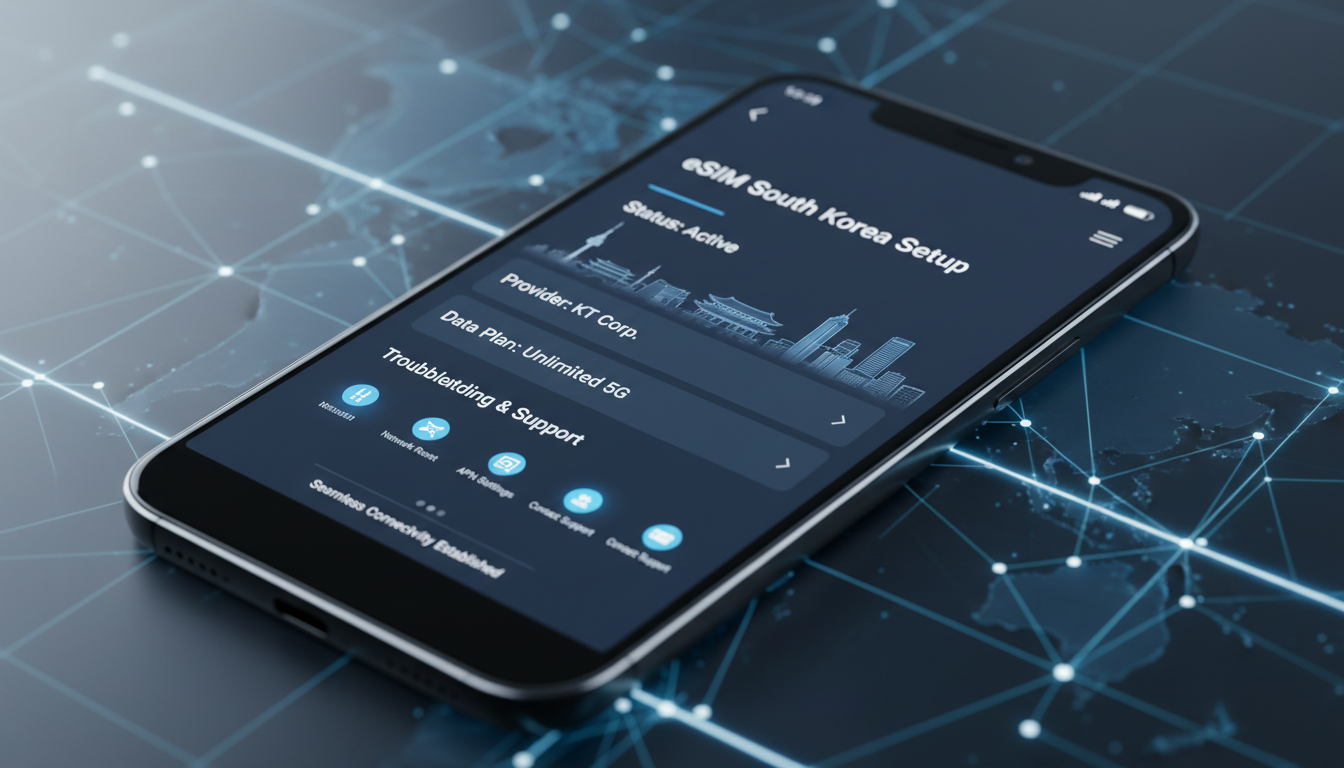
Troubleshooting Common Activation Issues with Esimzon eSIM in South Korea
Activating an eSIM service like Esimzon in South Korea can sometimes hit snags that leave travelers disconnected at the worst moments. The Esimzon service promises instant activation and seamless connectivity across 190+ countries, but activation issues can arise from device compatibility, network settings, or procedural missteps.
I always start by pinpointing the exact cause of the problem because a generic fix rarely works. Here’s a practical guide to what typically goes wrong during an Esimzon activation process and how to get back online quickly.
Understanding the Esimzon Activation Process and Its Pitfalls
The Esimzon activation process involves scanning a QR code or manually entering activation details into your device, which then downloads the eSIM profile over the air. This eliminates the need for physical SIM swaps but introduces new failure points.
Key Conditions That Can Block Activation
- Device Compatibility: Not all phones support eSIM technology or the specific profiles used by Esimzon. For example, many Android models require Android 10 or later with eSIM support enabled. If your device lacks this, the activation will fail.
- Network Connectivity During Activation: The device must have an active internet connection (Wi-Fi or cellular) to download the eSIM profile. Without this, the process stalls.
- Incorrect QR Code or Profile Details: Using an outdated or corrupted QR code leads to errors in profile installation.
- Carrier Restrictions: Some local carriers in South Korea may block or restrict eSIM activations from foreign providers like Esimzon due to network policies.
Consequences of These Conditions
If any of these conditions are unmet, you might see error messages such as “Activation Failed,” “Profile Download Error,” or simply no response after scanning the QR code. The OMA-DM (Open Mobile Alliance Device Management) protocol that governs remote provisioning under GSMA specification SGP.22 requires precise communication between device and server; any interruption causes failure.
Practical Steps to Resolve Activation Failures with Esimzon
Step 1: Verify Device and OS Compatibility
Check your device’s specifications against Esimzon’s requirements. For instance, iPhones from XS onward support eSIM natively, while many Android devices need explicit carrier support and OS version 10+.
I’d advise against attempting activation on unsupported devices as it only wastes time and risks profile corruption.
Step 2: Ensure Stable Internet Connection Before Activation
Activation requires downloading the eSIM profile via a secure channel. I always start by connecting to a reliable Wi-Fi network before scanning the QR code or entering activation details manually.
If Wi-Fi is unstable, switch to another network or use a temporary physical SIM with data to complete activation.
Step 3: Use Official Esimzon App for Activation
The Esimzon app streamlines activation by managing profiles and subscriptions within one interface. It reduces manual errors common when entering codes manually.
If you encounter issues with QR codes, try activating through the app instead of scanning.
Step 4: Clear Previous Profiles and Reset Network Settings
Sometimes leftover profiles from previous activations interfere with new ones. Removing old eSIM profiles and resetting network settings on your device clears conflicts.
On iOS, this is done via Settings > Cellular > Remove Cellular Plan; on Android, it varies by manufacturer but generally involves similar steps.
Step 5: Contact Esimzon Customer Support with Detailed Error Codes
If all else fails, reach out to the esimzon customer support team with exact error messages and device details. They can verify if there’s an issue with your subscription or if regional restrictions apply.
The Esimzon customer support is reachable through their app or website.
Specific Issues Related to South Korea’s Network Environment
South Korea’s mobile networks—SK Telecom, KT, and LG U+—have advanced infrastructure but also strict SIM registration rules tied to local IDs. Foreign eSIM providers like Esimzon sometimes face delays in profile provisioning due to these regulations.
How Local Carrier Policies Affect Esimzon Activation
- IMEI Registration Requirements: South Korean carriers often require IMEI registration for all SIM profiles including eSIMs. If your device IMEI isn’t registered properly during activation, connection will be denied.
- Network Locking: Some devices sold locally are locked to specific carriers and won’t accept foreign eSIM profiles.
- Coverage Area Variations: While Esimzon claims coverage in South Korea’s major cities, rural areas may have patchy signal due to carrier agreements.
These conditions mean that even after successful profile download, you might experience no service or limited data speeds until carrier-side verification completes.
How to Check Your Esimzon Subscription Status and Coverage Area
The esimzon app provides real-time status updates on your subscription and coverage area. You can verify if your data package is active and check signal strength maps for your location in South Korea.
Tips for Managing Your Data Package Effectively
- Monitor data usage within the app to avoid unexpected cutoffs.
- Choose a plan that matches your stay duration; for example, a short 1-day plan versus a monthly subscription.
- Use airplane mode toggling after activation to force network re-registration if connectivity lags.
For travelers prioritizing smooth connectivity in South Korea, comparing plans on platforms like MyBestSim can help find alternatives if esimzon service struggles due to local restrictions.
Common Mistakes That Cause Activation Failures on Esimzon
- Overlooking Device Software Updates: An outdated OS version can block profile downloads due to missing security protocols.
- Skipping Network Reset After Profile Installation: Without resetting network settings post-installation, devices may fail to register properly on local networks.
- Using Expired or Invalid QR Codes: Always ensure you have the latest QR code generated from your active esimzon subscription.
- Ignoring Local Carrier Registration Rules: Not registering your IMEI with local carriers can result in no service despite successful profile installation.
Each of these mistakes leads directly to failed activations or poor connectivity performance.
How the Esimzon App Enhances Activation Reliability
The esimzon app supports instant profile download compliant with GSMA SGP.22 remote provisioning standards and manages multiple subscriptions seamlessly on one device. It also offers troubleshooting guides tailored for different devices and regions including South Korea.
Using the app reduces manual input errors—a common failure mechanism—and provides direct access to customer support chat for quick resolution of issues encountered during activation.
Where to Find Reliable Support for Your Esimzon Subscription in South Korea
Esimzon customer support is available via their official app and website channels dedicated to international travelers. They provide assistance with:
- Activation troubleshooting
- Subscription management
- Refunds or plan changes
- Technical compatibility checks
Given that local carriers may impose additional constraints not controlled by esimzon, having direct access to their support helps navigate these complexities efficiently.
For more detailed advice on staying connected in South Korea using eSIMs including SK Telecom, KT, and LG U+ coverage comparisons, I recommend checking resources like this guide on esim-korea.com.
By focusing on these practical troubleshooting steps and understanding local network conditions affecting esimzon activation in South Korea, travelers can avoid common pitfalls that disrupt connectivity during their trips. The key is verifying compatibility upfront, maintaining stable internet during setup, using official apps for activation, and knowing when carrier policies might require extra steps like IMEI registration.
This approach ensures you get online quickly without frustrating delays or dropped connections while exploring South Korea’s vibrant cities and landscapes.
For those interested in exploring alternative data packages alongside esimzon’s offerings in South Korea, MyBestSim remains a top reference for comparing plans with verified promo codes and instant activation options tailored for visitors from around the world.
FAQ
What causes Esimzon activation failures in South Korea?
Activation failures often stem from device incompatibility, unstable internet during setup, incorrect QR codes, or local carrier restrictions like IMEI registration requirements. Ensuring your device supports eSIM and following proper activation steps helps avoid these issues.
How can I verify if my device supports Esimzon eSIM?
Check your device model and OS version against Esimzon’s requirements. iPhones XS and newer support eSIM natively, while many Android phones need Android 10+ with carrier support enabled. Unsupported devices will fail to activate the eSIM profile.
Why is a stable internet connection crucial for Esimzon activation?
A stable internet connection is required to download the eSIM profile securely during activation. Without reliable Wi-Fi or cellular data, the process stalls, causing errors or incomplete installations.
What should I do if Esimzon activation still fails after troubleshooting?
If basic fixes don’t work, contact Esimzon customer support with detailed error messages and device info. They can check subscription status, regional restrictions, or technical issues to help resolve activation problems.
How do South Korean carrier policies affect Esimzon eSIM use?
Local carriers require IMEI registration and may block foreign eSIM profiles due to network policies. Devices locked to local carriers won’t accept Esimzon profiles, and coverage may vary, especially outside major cities.

Jiwon Park
Jiwon is a Seoul-based travel and technology writer who has tested eSIMs across South Korea and Asia. At Korea eSIM she compares travel data plans on SK Telecom, KT and LG U+ and helps visitors stay online affordably from Seoul to Jeju.