Troubleshooting eSIM Poste Mobile Activation Issues in South Korea
9/7/2026
In short, what you'll discover in this article:
Troubleshooting common issues when activating an esim poste mobile in South Korea. Clear, practical steps to fix activation problems, understand carrier support, and get your mobile eSIM working smoothly without frustration.
1. Understanding the Activation Challenges of an eSIM Poste Mobile in South Korea
Activating an eSIM for mobile phones can sometimes be tricky, especially in South Korea where multiple carriers and device compatibilities come into play. The main hurdles users face include:
- Carrier restrictions or lack of support for eSIMs on certain plans
- Device compatibility issues with the eSIM profile
- Errors during QR code scanning or profile download
- Network registration failures after activation
These obstacles often cause confusion and delays, but knowing the root causes helps you troubleshoot effectively.
2. Common Activation Issues and How to Fix Them
2.1 Carrier Support Limitations
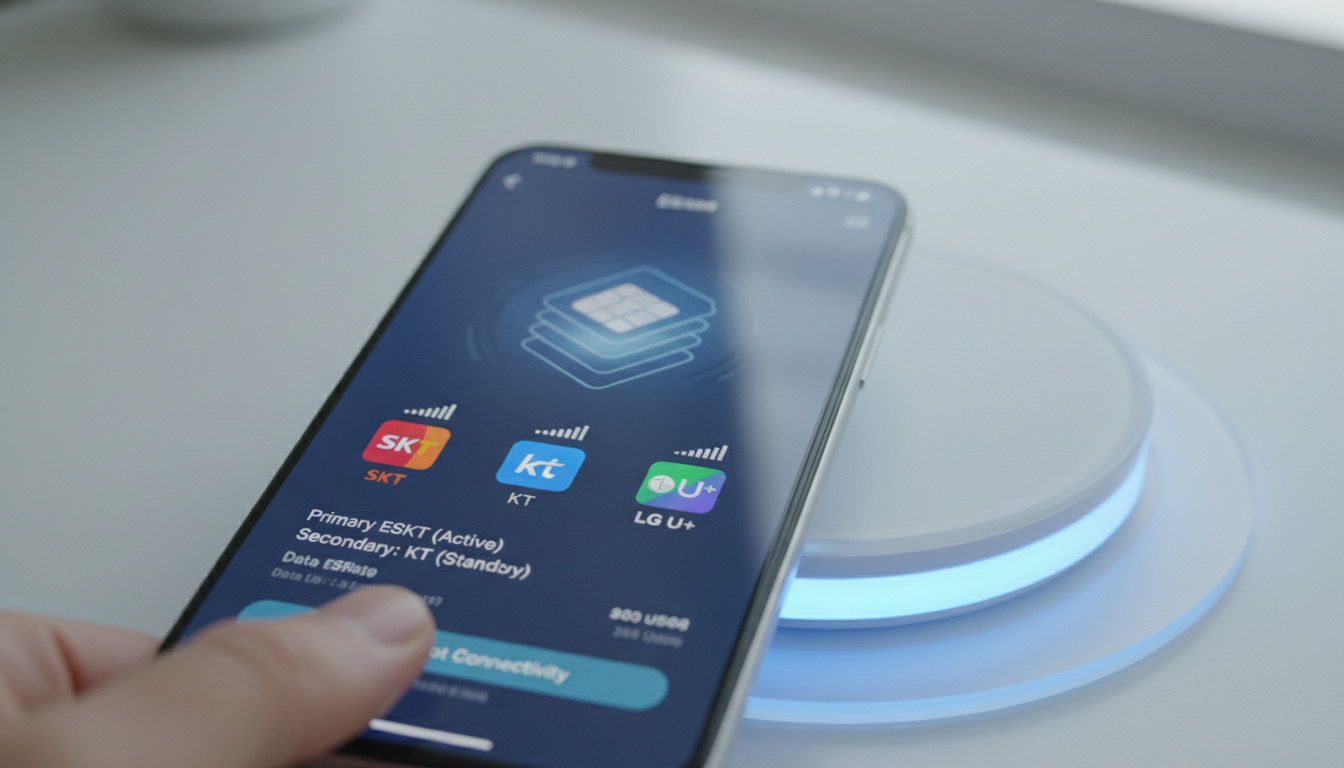
Not all South Korean mobile carriers fully support the benefits of eSIM technology yet. While SK Telecom, KT, and LG U+ offer eSIM options, some plans or older devices might not be eligible for activation.
How to resolve:
- Confirm your carrier supports eSIM on your specific plan and device model.
- Contact customer service to verify if your account is eligible for eSIM activation.
- Consider switching to a carrier with better eSIM support if necessary.
2.2 Device Compatibility Problems
The compatibility of eSIM with smartphones varies widely. Some phones require software updates or specific settings to enable eSIM functionality.
How to resolve:
- Check your phone’s official specifications for eSIM support.
- Update your device’s operating system to the latest version.
- Restart your phone before attempting activation again.
2.3 QR Code Scanning and Profile Download Errors
Activation usually involves scanning a QR code provided by the carrier or reseller. Errors here are common due to poor camera focus, expired codes, or network issues.
How to resolve:
- Ensure you have a stable internet connection during scanning.
- Use the phone’s native camera app or built-in eSIM setup tool for scanning.
- Request a new QR code if the original one is expired or invalid.
2.4 Network Registration Failures
After downloading the eSIM profile, your phone must register on the carrier’s network. Failures here can result from incorrect APN settings or temporary network outages.
How to resolve:
- Manually enter APN settings provided by your carrier if automatic configuration fails.
- Toggle airplane mode on and off to refresh network connection.
- Restart your device after profile installation.
3. Step-by-Step Guide to Activate an eSIM Poste Mobile Successfully
To avoid common pitfalls during activation, follow these numbered steps carefully:
- Verify that your mobile plan and device support an eSIM with your chosen South Korean carrier.
- Obtain the official QR code or activation details from the carrier or reseller (e.g., Roamic or Orange Travel).
- Connect your phone to a stable Wi-Fi network before starting activation.
- Open your phone’s settings menu and navigate to the cellular or mobile data section where you can add a new cellular plan.
- Scan the QR code carefully using the built-in scanner tool; avoid third-party apps for this step.
- Wait for the profile download and installation confirmation on your device screen.
- Configure APN settings manually if needed (ask your carrier for exact parameters).
- Restart your phone and check if the new line is active by making a test call or browsing online.
4. Troubleshooting Tips When Activation Still Fails
If you encounter persistent issues despite following instructions, try these practical tips:
- Reset Network Settings: This clears any conflicting configurations that might block activation.
- Remove Existing SIM Profiles: Having multiple profiles can confuse the system; delete unused ones.
- Use Another Device Temporarily: Test the QR code on a compatible smartphone to rule out device-specific problems.
- Contact Carrier Support: Provide error messages and steps taken so far; they can push remote resets or provide new credentials.
- Check for Software Updates: Sometimes carriers release patches improving the process of switching to an eSIM.
5. Choosing the Best Mobile Carriers Supporting eSIM in South Korea
While troubleshooting activation, it helps to know which carriers offer reliable eSIM services:
- SK Telecom: Leading coverage with broad device compatibility.
- KT: Competitive plans with easy activation processes.
- LG U+: Growing support for international travelers using eSIMs.
For travelers or expats seeking instant online activation without roaming fees, providers like Roamic and Orange Travel offer convenient prepaid eSIM plans with promo codes such as "MYBESTSIM" that reduce costs significantly.
6. Conclusion
Activating an esim poste mobile in South Korea may present challenges like compatibility issues or carrier restrictions, but following clear troubleshooting steps can help you overcome them smoothly. Always verify your device and plan eligibility first, use official QR codes carefully, and don’t hesitate to seek carrier assistance when needed to enjoy the full benefits of digital SIM technology.
For more detailed comparisons of providers and promo codes tailored for South Korea, consider checking MyBestSim’s comprehensive listings to find the best deal that fits your needs perfectly.
FAQ
What carriers support eSIM poste mobile in South Korea?
SK Telecom, KT, and LG U+ are the main carriers supporting eSIM poste mobile in South Korea. However, support may vary by plan and device, so it’s important to confirm eligibility with your carrier before activation.
How do I fix QR code scanning errors during eSIM activation?
Ensure your internet connection is stable and use your phone’s native camera or built-in eSIM setup tool to scan the QR code. If the code is expired or invalid, request a new one from your carrier or reseller.
Why does my phone fail to register on the network after eSIM activation?
Network registration failures often result from incorrect APN settings or temporary outages. Manually entering the APN details provided by your carrier and toggling airplane mode can help resolve this issue.
Can I use my current phone for eSIM poste mobile in South Korea?
You need to check if your phone model officially supports eSIM functionality and update its operating system to the latest version. Restarting your device before activation also improves compatibility.
What should I do if eSIM activation still fails after troubleshooting?
Try resetting network settings, removing unused SIM profiles, or testing the QR code on another compatible device. If problems persist, contact your carrier’s support for remote resets or new activation credentials.

Jiwon Park
Jiwon is a Seoul-based travel and technology writer who has tested eSIMs across South Korea and Asia. At Korea eSIM she compares travel data plans on SK Telecom, KT and LG U+ and helps visitors stay online affordably from Seoul to Jeju.